
🛡️ Protecting your photos with the "Psychological Barrier"!
How to enable the copyright confirmation requirement (new photo protection)?
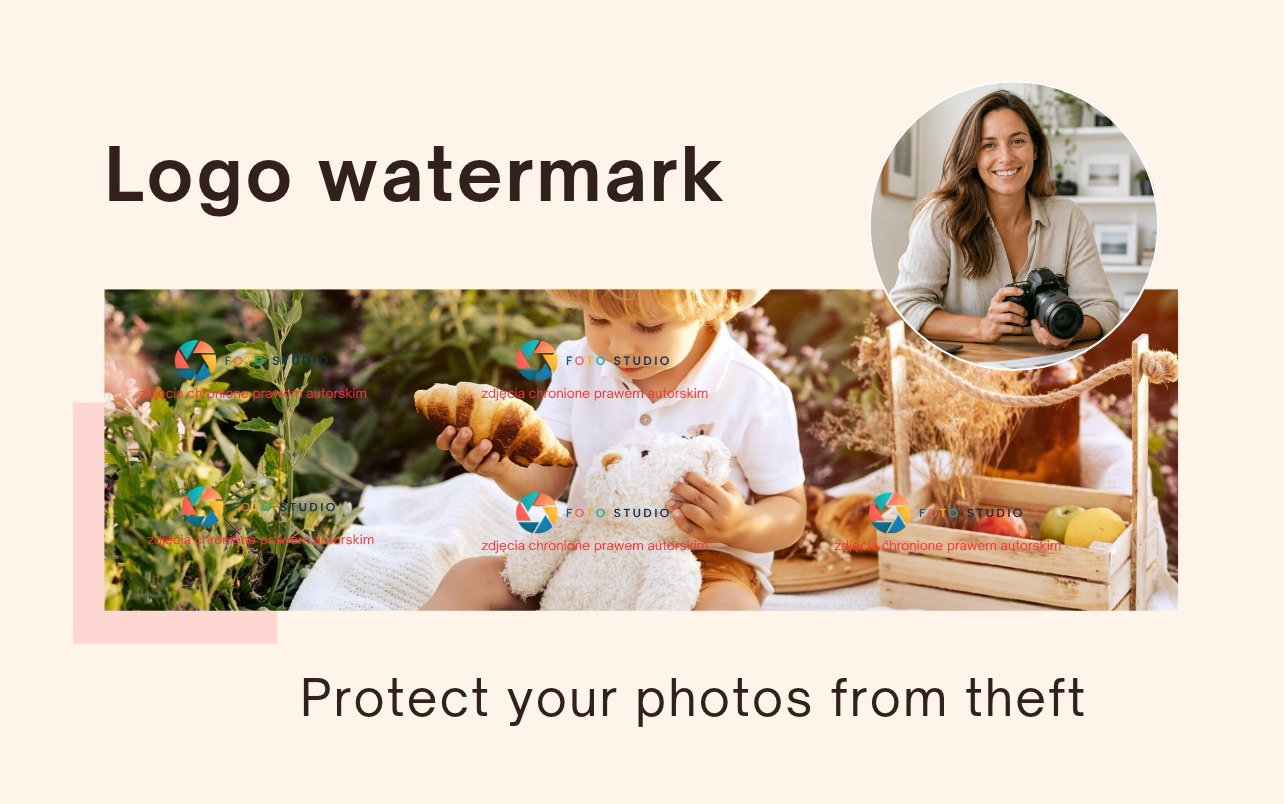
In response to discussions in our community about protecting photos from theft, we have introduced a feature we call the "Psychological Barrier".
Its goal is to actively discourage clients from downloading photos without permission, but in a way that is genuinely effective – unlike solutions that only provide a false sense of security.
What exactly will the client see and why does it work?
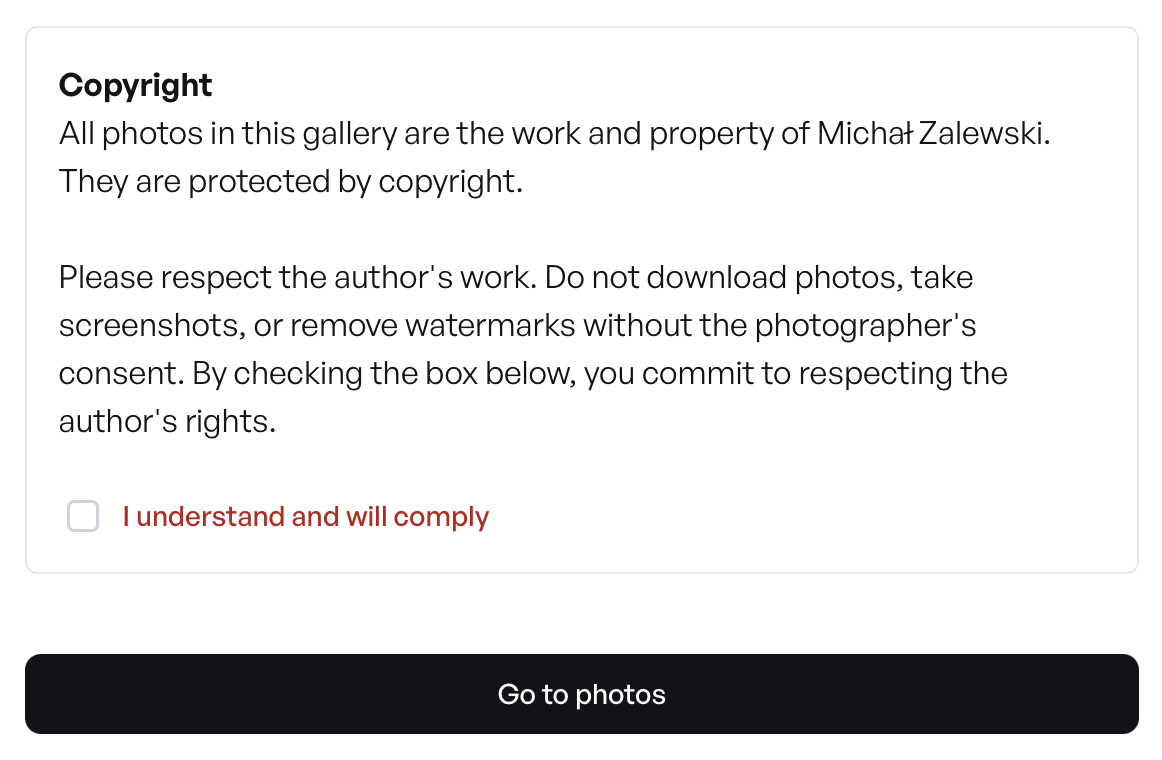
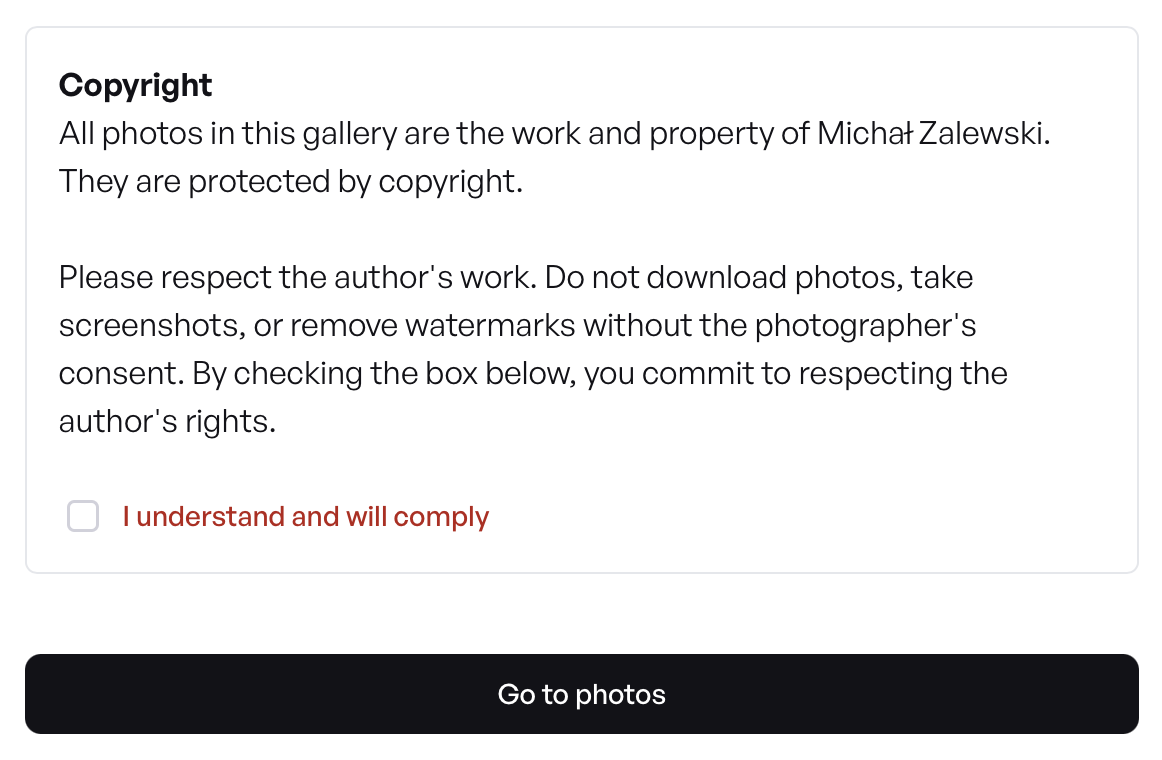
When you enable this option, your client will see a special message before they can view the photos. In it, we ask them to respect your work and your copyright.
However, the key element is different:
- The client cannot simply click "OK".
- They must consciously and actively check a box with the declaration: "I understand and will comply".
- Only then can they proceed to the gallery.
Here, we are using the powerful psychological principle of consistency (described and researched by, among others, psychology professor Robert Cialdini). This principle states that people find it much harder to break rules that they have just personally declared "in writing" (by checking the box) they will follow.
This is not a technical block that can be bypassed, but a real mental barrier that effectively discourages any attempt at theft.
How to activate this feature?
Activation is very simple and takes only a moment:
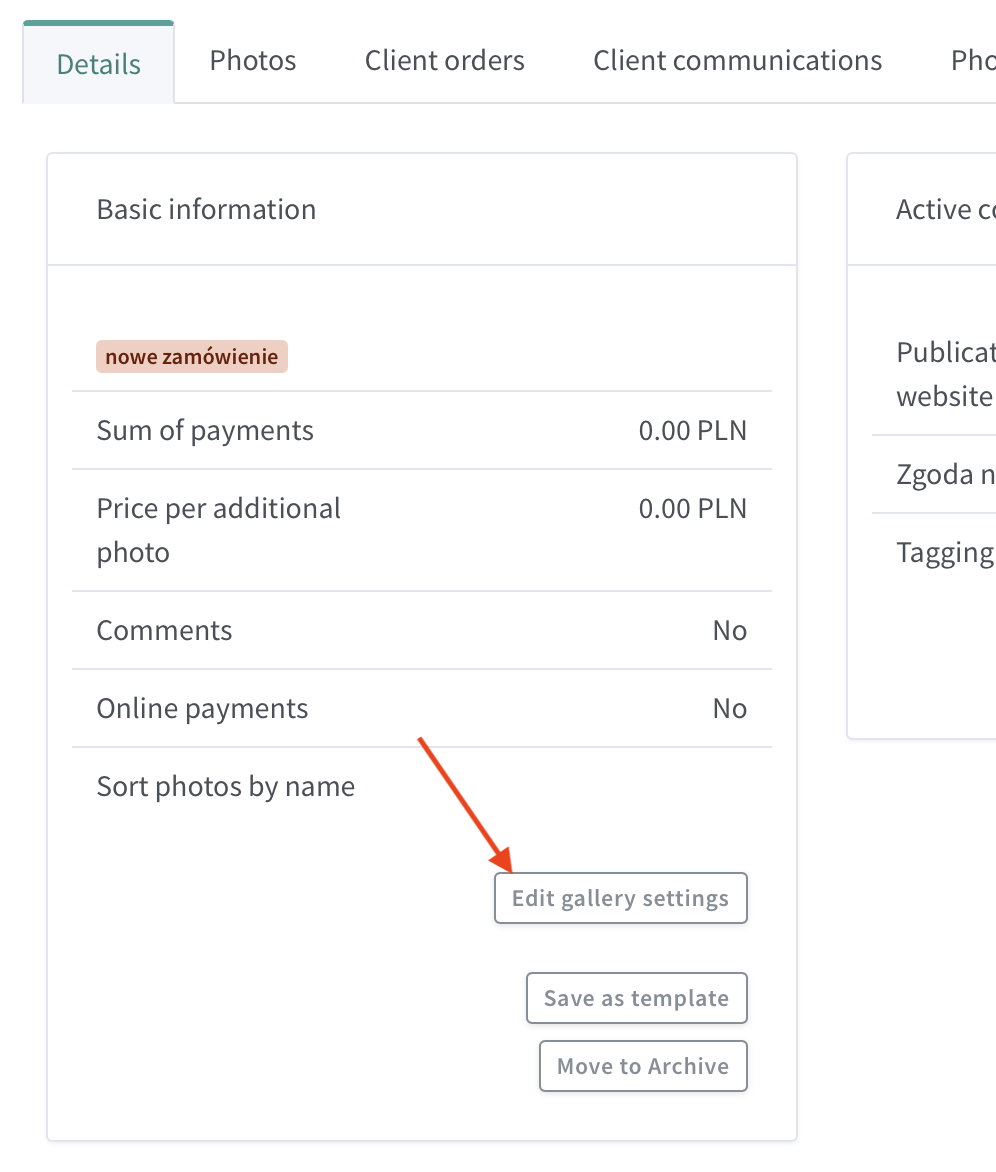
- Go to the settings of the gallery you want to additionally secure.
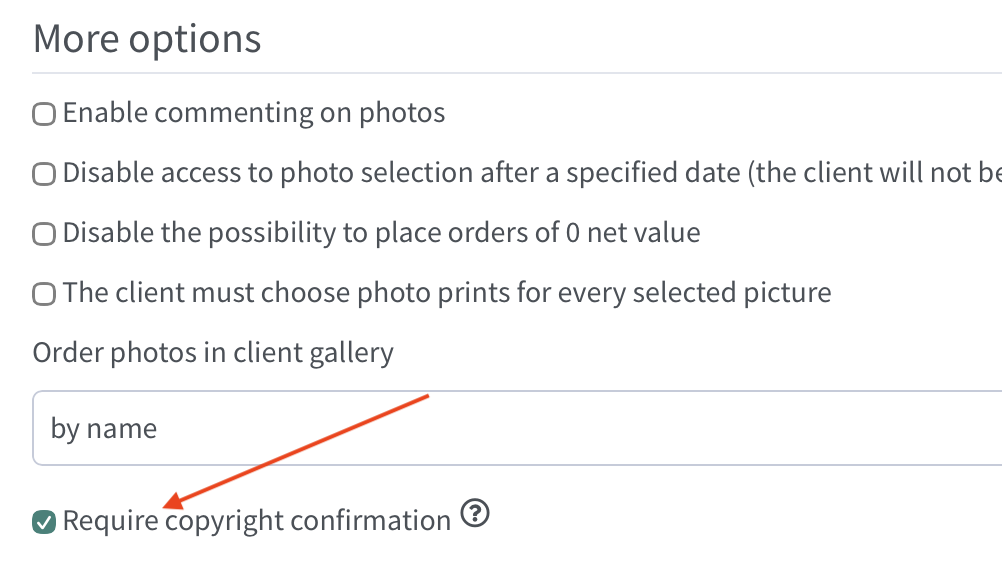
- Scroll down to the section titled "Additional options".
- Find and check the box named: "Require copyright confirmation".
- Click "Save" and you're done!
Why a "psychological barrier" and not screenshot blocking?
We are often asked about technically blocking screenshots. Unfortunately, this is not possible to do because browsers do not have a "disable screenshots" function.
Attempting to block certain key combinations on the keyboard is also, unfortunately, a misleading security measure:
- It doesn't work: Such "blocks" only disable a few basic keyboard shortcuts on desktop computers.
- It's easy to bypass: Anyone who wants to can easily get around such a measure (e.g., by using a different program or a browser plugin).
- The main problem: These "protections" do not work at all on mobile phones, which a large portion of your clients use to view galleries.
Instead of giving you a false sense of security, at Mafelo, we have opted for a solution based on psychology and scientific research.

Co-founder of Mafelo. He listens closely to the challenges facing the photography industry and analyzes them in detail to get to the heart of the issues. This allows him to create solutions that make photographers' daily work easier—something that gives him the greatest satisfaction.
You might also like
Your own photography style – do you really need it?

6 podcasts for photographers, or how to make photo editing more pleasant