
Updates - October 2024
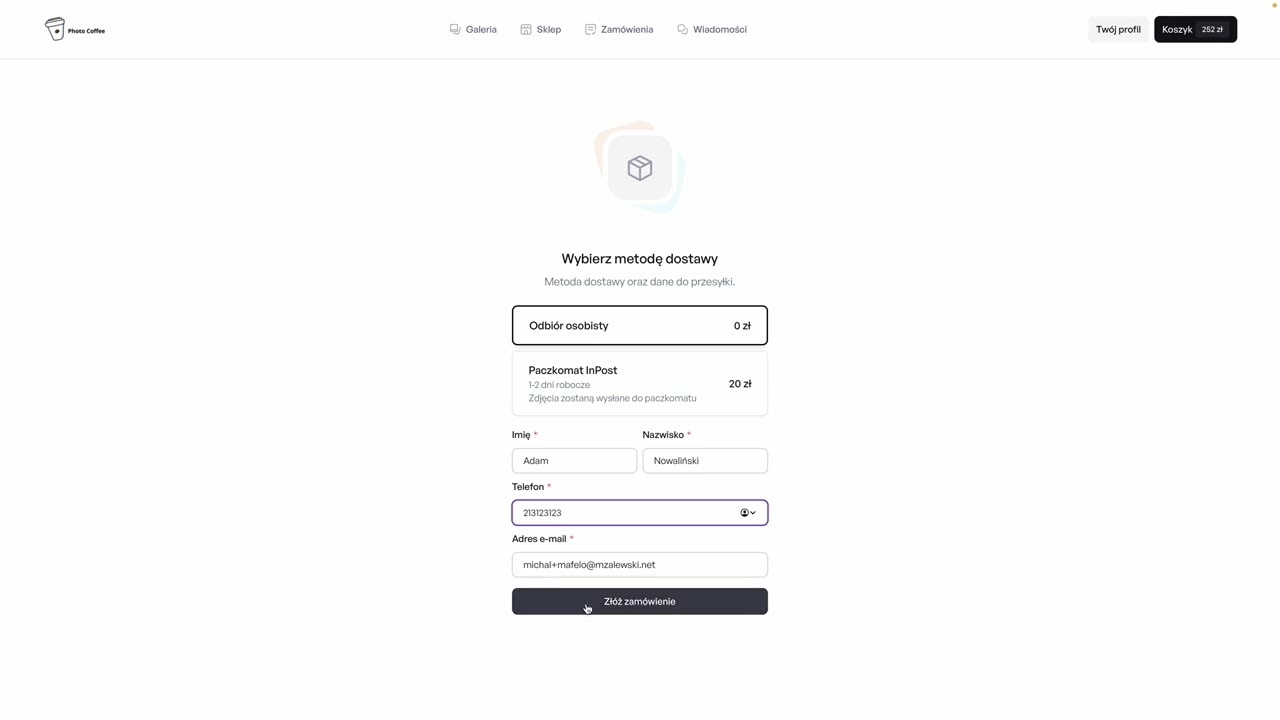
Improvement of ‘non-online’ payments in the new client panel
First update of the new client panel! 😍
We know that some of you do not use online payments and instead give your clients your payment details - your account number or BLIK details. In the old panel this was cumbersome, because the data you set in the Mafelo settings only displayed in the ‘Orders’ tab 😒
For this reason, we decided to change this and now, if you enter the payment data in the settings and do not have online payments enabled then in the new client panel, the client will see this information as soon as the order is placed 😍
Where do I set up my payment details?
Click on ‘My account’, then settings. In the settings list, click on the ‘Online payments’ icon 😅 At the very bottom you will find a form where you can enter your payment details 🙂

Co-founder of Mafelo. He listens closely to the challenges facing the photography industry and analyzes them in detail to get to the heart of the issues. This allows him to create solutions that make photographers' daily work easier—something that gives him the greatest satisfaction.
You might also like

Your own photography style – do you really need it?



6 podcasts for photographers, or how to make photo editing more pleasant